Monstercat Bar Visualizer visual style
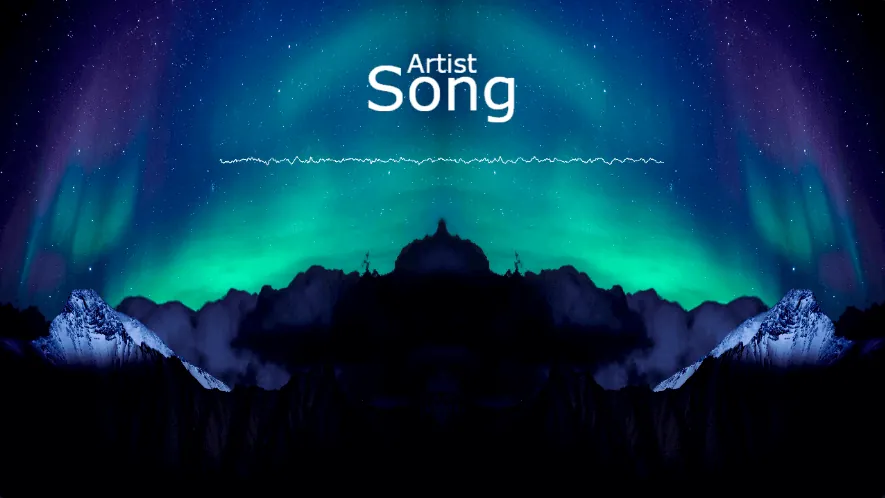
Each bar occupies a position in the row, producing a different visual rhythm from a circular outline. The composition leaves room for cover art or a title above and below the spectrum. The preview shows coloured bars against a dark backdrop; that contrast is a useful starting point for your own identity.
Customize the composition
- Position the row with room for its tallest bars, then place your image or title in the free area.
- Choose a colour that separates the spectrum from the background. Light bars over a bright photo are difficult to read.
- For 9:16, fit the spectrum width to the available canvas width and check peak heights during playback.
Details to check
The balance depends on both the row width and the bar heights. A landscape layout may be too wide for a vertical video. Avoid placing small lettering in the area where the bars rise.
Landscape, vertical or square
Choose the format in the editor: YouTube for 16:9, TikTok for 9:16 and Square for 1:1. After a change, replay the track and check the backdrop, titles and movement boundaries. Your device renders the final file, which is then downloaded.
Template credits: @caseif & @Incept · Attribution Required