Audio Wave visual style
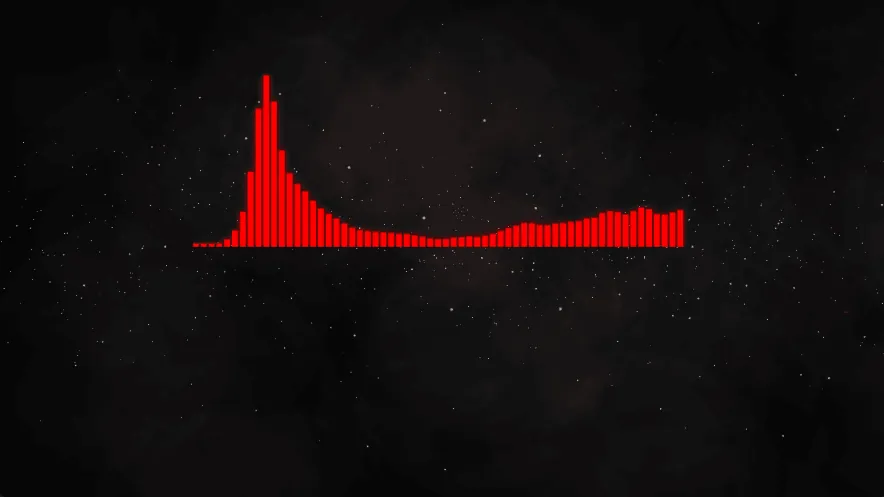
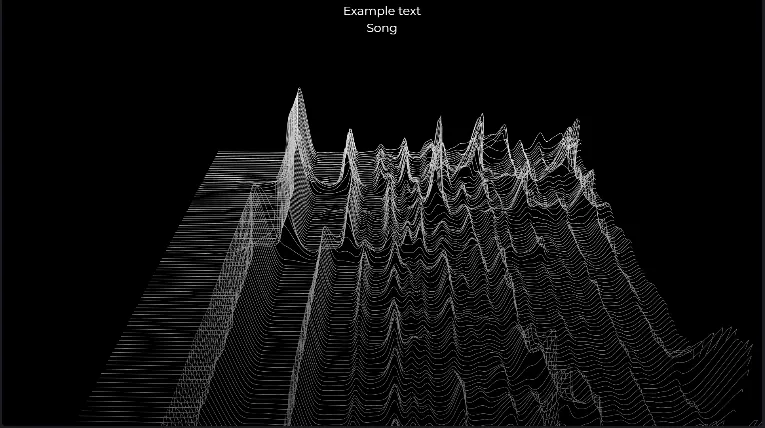
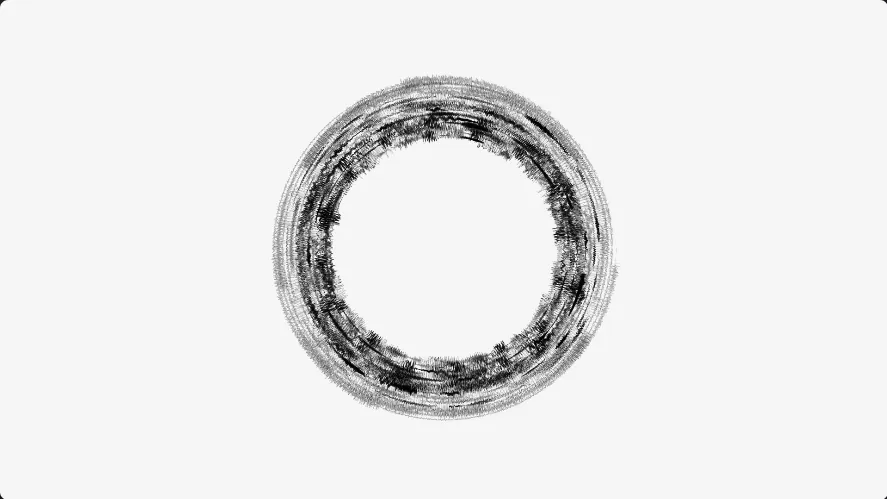
The wave creates continuous motion rather than a row of separate columns. That shape leaves room for the backdrop and track information. It works best when the line stands out from the image without hiding the title. The preview helps you judge the movement; your own result depends on the track variations and your settings.
Customize the composition
- Import your music and position the wave where it does not cross the main text.
- Customize the line and backdrop through the project controls. Compare quiet and more intense passages.
- Choose the format, then check the shape length and apparent amplitude in the new frame.
Details to check
A thin wave can disappear over a busy image or when the video is reduced on a phone. Maintain clear contrast and room around the motion. The visual style of the template is not a substitute for a detailed audio measurement or analysis tool.
Landscape, vertical or square
Choose the format in the editor: YouTube for 16:9, TikTok for 9:16 and Square for 1:1. After a change, replay the track and check the backdrop, titles and movement boundaries. Your device renders the final file, which is then downloaded.
Template credits: @GamleGaz · MIT