Linebed visual style
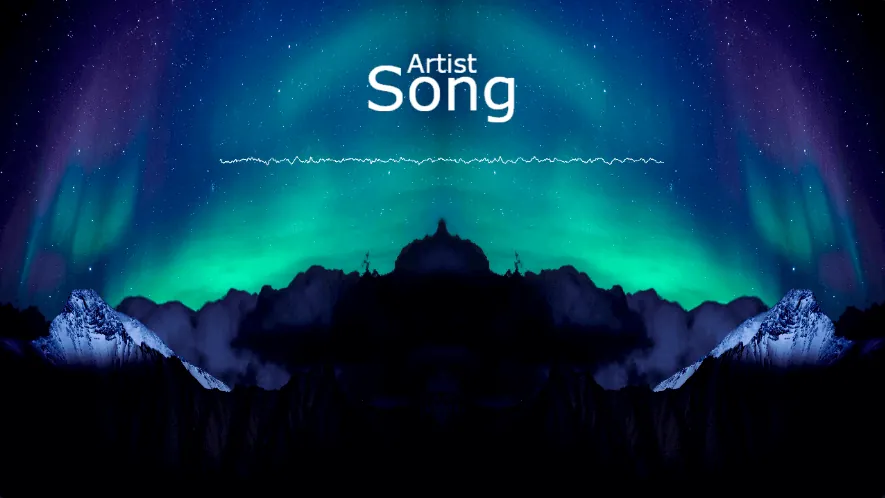
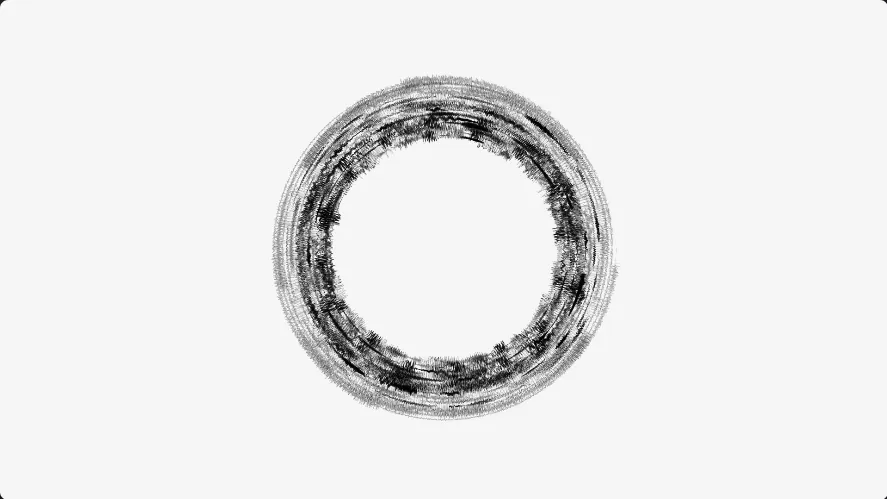
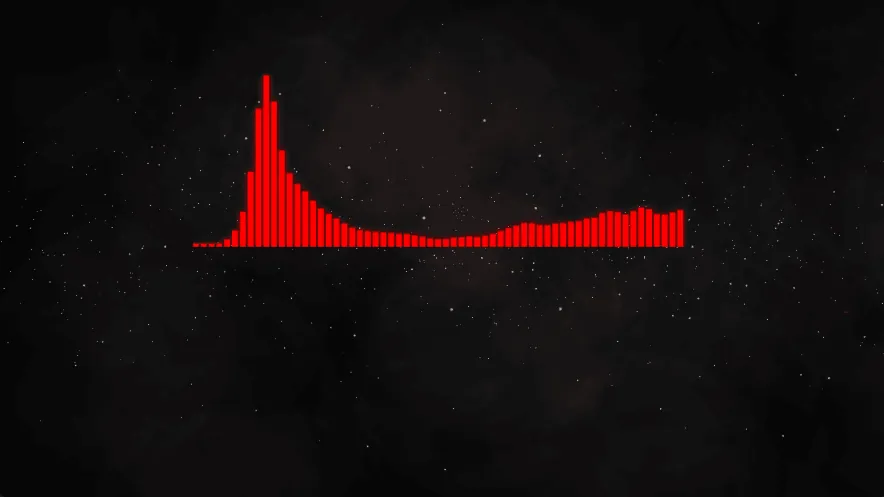
The template favours a linear structure over a logo surrounded by a ring. That structure can support a track without occupying all of the attention. Balance the pattern density, text placement and background colour. A short title is often easier to integrate than a long block of text over a dense animation.
Customize the composition
- Watch the pattern in motion first to identify relatively calm areas that can accommodate text.
- Customize colours and the backdrop through the project layers. Maintain a clear difference between the pattern and track information.
- For square or vertical video, check title placement and the extent of the lines before rendering.
Details to check
Fine lines may be less visible in a small video than in the large editor preview. Favour readable contrast over a highly detailed backdrop. Check the first moments of the exported file too, when the track information should be immediately understandable.
Landscape, vertical or square
Choose the format in the editor: YouTube for 16:9, TikTok for 9:16 and Square for 1:1. After a change, replay the track and check the backdrop, titles and movement boundaries. Your device renders the final file, which is then downloaded.
Template credits: GamleGaz · MIT