Signature visual style
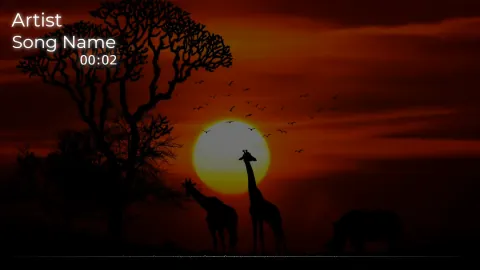
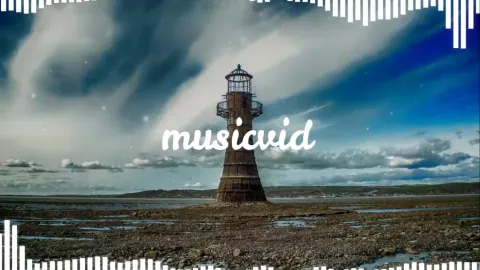
A landscape or cover image can become the principal element of the video. Other elements should then support that image and the track information. The preview shows an open scene that helps you plan an artist name or title. Restraint depends mainly on how many elements you add and their contrast with the backdrop.
Customize the composition
- Choose an image whose subject remains visible in the final format, then decide where to place the track name.
- Keep typography readable and text length reasonable. Check contrast over the exact part of the photo being used.
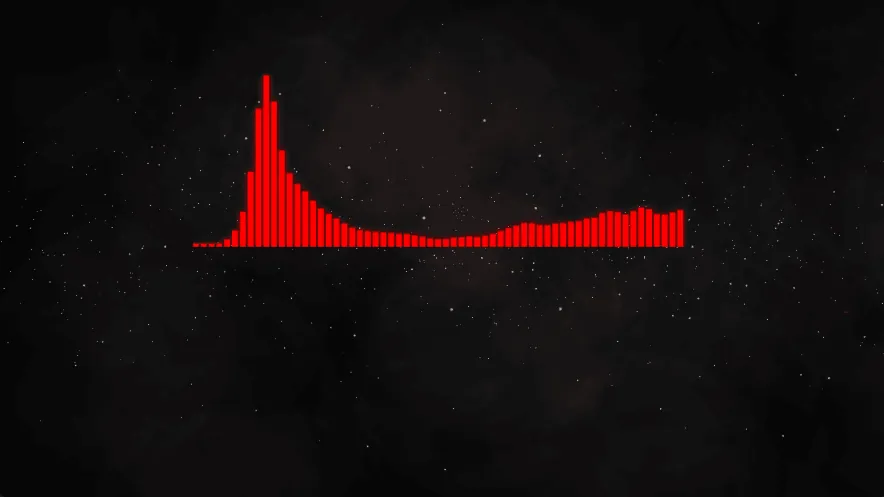
- Play several passages before exporting to confirm that motion supports the image without hiding important information.
Details to check
A bright or highly detailed background can reduce title readability. A restrained scene still needs its edges and crop checked. When publishing several formats, adapt each composition rather than assuming the landscape will be cropped in the right place.
Landscape, vertical or square
Choose the format in the editor: YouTube for 16:9, TikTok for 9:16 and Square for 1:1. After a change, replay the track and check the backdrop, titles and movement boundaries. Your device renders the final file, which is then downloaded.
Template credits: @iGerman