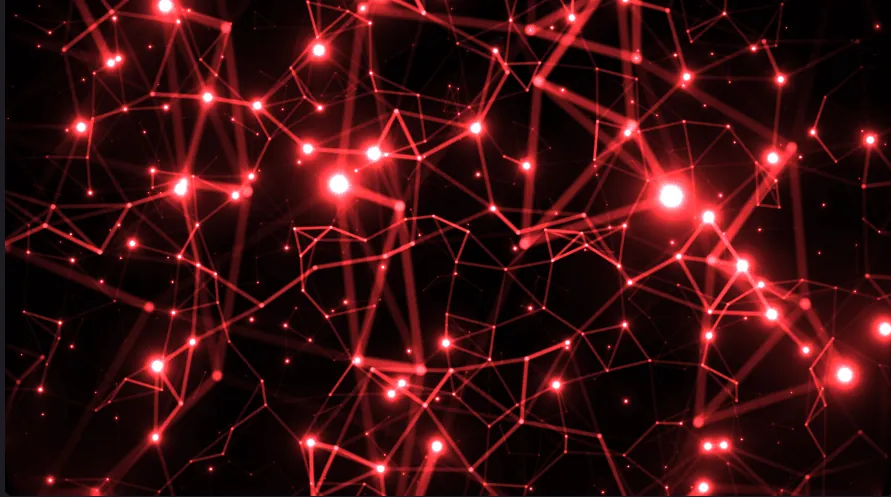
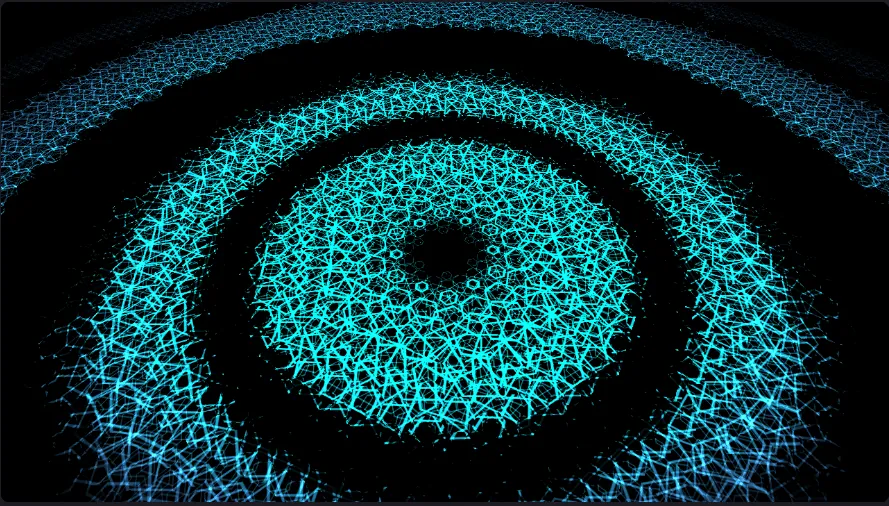
Star Field visual style
Luminous points add movement without forcing the composition around a large circle. This backdrop can accompany a central image, an artist name or elements added in the editor. Keep a clear brightness difference between the foreground and the stars so that the musical information retains its place.
Customize the composition
- Decide which element should attract attention first: cover art, a title or a visualizer added to the scene.
- Keep important elements more readable than the small lights behind them. Test a comfortable text size on a phone.
- Compare formats in the preview. The backdrop may fill the frame, while a central image should not be cropped unintentionally.
Details to check
A highly detailed image can merge with the stars. Use sufficient contrast and limit competing foreground elements. Watch several seconds of motion: a clear still composition may feel busier once animated.
Landscape, vertical or square
Choose the format in the editor: YouTube for 16:9, TikTok for 9:16 and Square for 1:1. After a change, replay the track and check the backdrop, titles and movement boundaries. Your device renders the final file, which is then downloaded.
Template credits: @kali · MIT