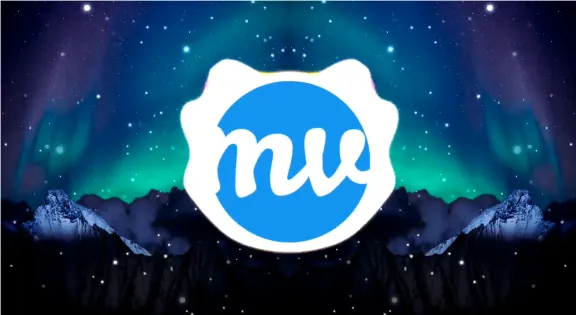
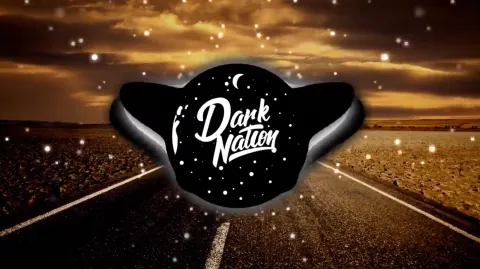
Not Nation visual style
It offers another starting point for a video built around a central image. Compare its preview with Circle Spectrum or Dark Nation to choose the balance you prefer. The backdrop remains important, but the viewer should be able to locate the logo immediately. A relatively simple central image makes that easier.
Customize the composition
- Replace the logo and choose a background that maintains contrast around the centre.
- Adjust the group size while listening to your music, leaving room for its widest deformations.
- Place track information where the moving outline will not cover it.
Details to check
Highly detailed central and background images may compete. Decide which should carry the identity and keep the other more restrained. For vertical video, inspect the sides of the circle during a strong passage and check logo size on a phone.
Landscape, vertical or square
Choose the format in the editor: YouTube for 16:9, TikTok for 9:16 and Square for 1:1. After a change, replay the track and check the backdrop, titles and movement boundaries. Your device renders the final file, which is then downloaded.
Template credits: @iGerman