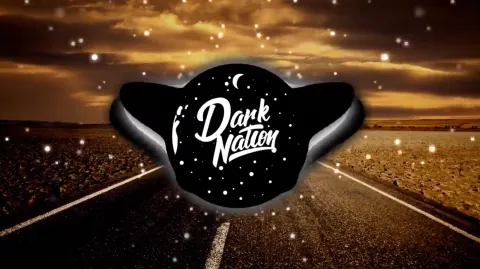
Circle Spectrum visual style
The circular composition keeps the central image visible while placing movement around it. It suits an artist identity, cover image or simple symbol. In the preview, notice the contrast between the luminous outline and the backdrop: that separation contributes strongly to the readability of the design.
Customize the composition
- Replace the central image and background through the existing layer controls. A simple logo remains easier to recognise at a small size.
- Import your track and compare a quiet passage with a strong passage before adjusting the spectrum size and response.
- Choose the video format and leave room around the circle. Wide peaks should stay inside the frame.
Details to check
A circle can look well framed while paused and touch the edges on a strong bass hit. Also check that the logo does not cover the whole outline. For a vertical composition, reduce the group size before repositioning every element separately.
Landscape, vertical or square
Choose the format in the editor: YouTube for 16:9, TikTok for 9:16 and Square for 1:1. After a change, replay the track and check the backdrop, titles and movement boundaries. Your device renders the final file, which is then downloaded.
Template credits: @caseif & @Incept · Attribution Required